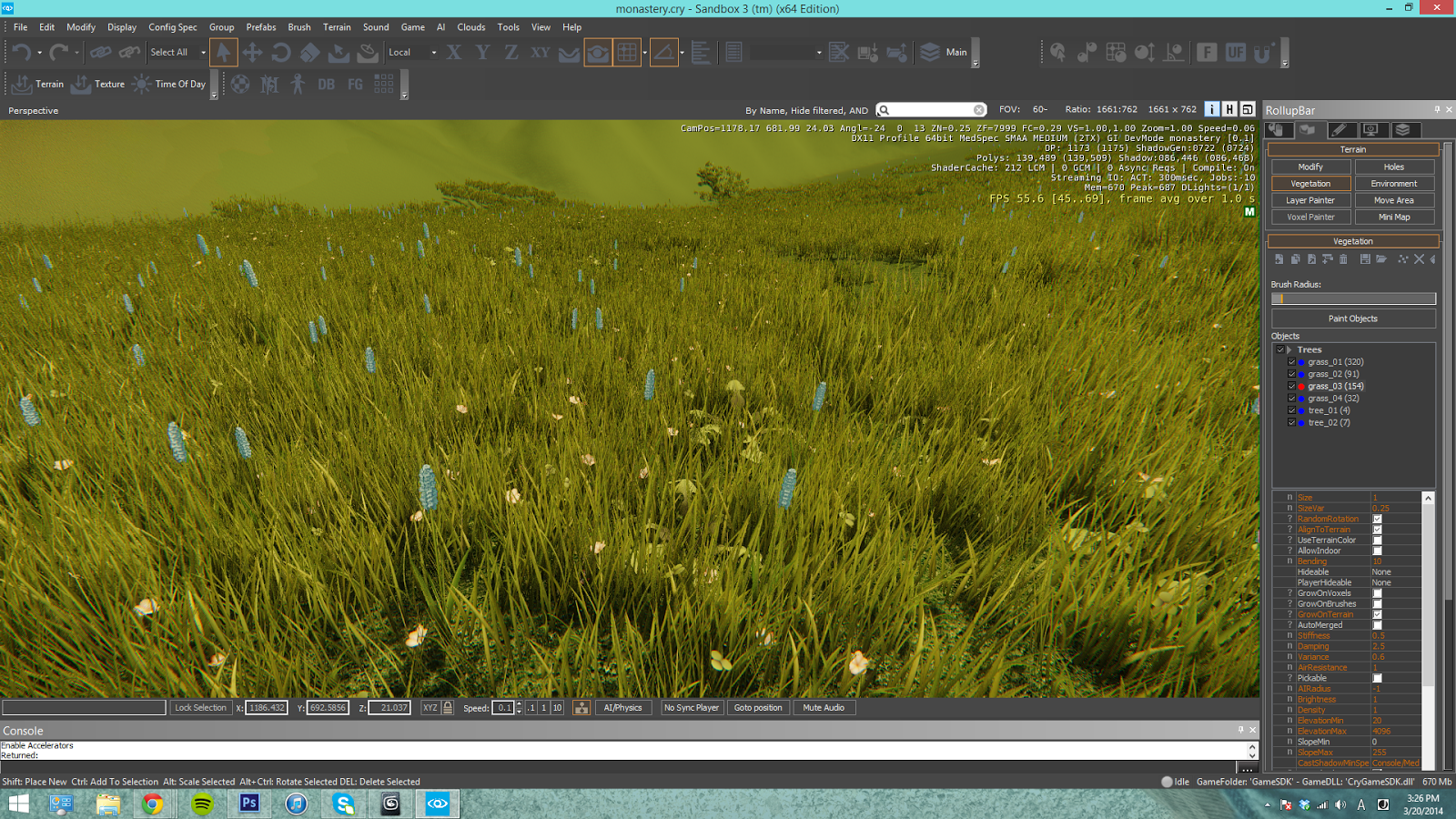
The next thing I started to tackle in my scene was grass. It was something that easily gives life to a barren environment. I started by modeling out the blades of grass for my texture. I baked out the texture similar to what I did for the branch, and I applied that to a plane to get my alpha grass. Instead of adding one plane of grass at a time in CryEngine, I positioned a small batch of planes in 3ds Max and linked them to a dummy. That way, in CryEngine the vegetation brush will paint multiple planes to quickly populate grass.
With that, I exported the dummy and started to practice painting in grass. This is the result.
Overall it was super exciting to see the grass in engine! After getting feedback, one thing that did bother me was how uniform all of the grass was. They were all even and parallel which looked unnatural, so going back into 3ds Max and Photoshop, I adjusted the blades to give it more variety and a natural look. The new line of grass models looked like this.
I'm much happier with the adjusted version. It still looks a little bit sparse, but I'll continue making adjustments.